

Last update:
Manage user self-service settings
Aug 21, 2026
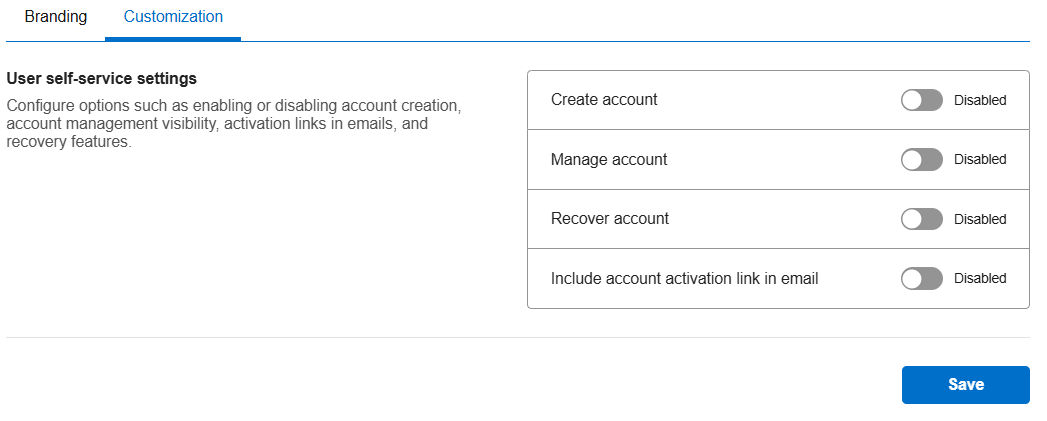
Use these settings to control whether users can manage their own accounts. You can enable or disable options for account creation, account updates, recovery, and activation.
Steps
- In the left navigation pane, select Applications. Alternatively, you can select View Applications tile on the Dashboard.
- Select the application you want to configure.
- Navigate to the Branding & customization tile and click View & Update.
- Click Customization tab.
- To manage user self-service settings:
- Create account: To allow users to create their own accounts, toggle on the Account creation setting.
- Manage account: To let users update personal details such as name or email address, toggle on the Account management setting.
- Recover account: To enable password resets and account recovery, toggle on the Account recovery setting.
- Include account activation link in email: To send an activation link in the welcome email, toggle on the Email activation link setting.
- Click Save to save changes.
Share additional feedback to help us improve.
0/255
|
Powered by Aikyam @2025 All rights reserved

+1 866 451 2735
 +1 866 451 2735

+1 855 819 5909