

Last update:
View application details
Aug 21, 2026
To view or update application settings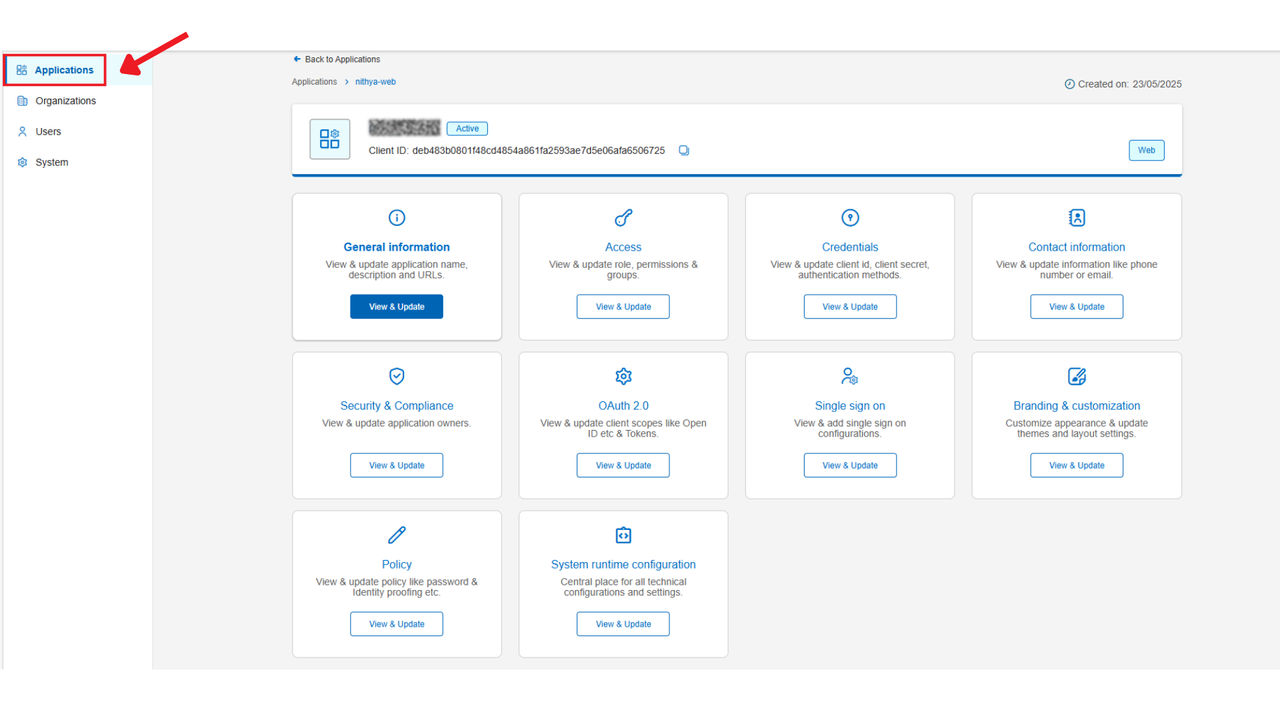
- Sign in to the Aikyam Identity Console.
- In the left pane, select Applications. Alternatively, you can select View Applications tile on the dashboard.
- Search for the application you want to configure in the search bar and select it.
- You may select any of the tiles to view the application details.
Previous:
Search applications
Share additional feedback to help us improve.
0/255
|
Powered by Aikyam @2025 All rights reserved

+1 866 451 2735
 +1 866 451 2735

+1 855 819 5909